At Runbox, we work hard to keep your inbox safe. But phishing attacks are growing more sophisticated with AI-generated content and QR-based attacks, and it’s crucial that you know how to spot them. Here’s what you need to know to protect your account and your information.
In recent months, a wave of major data breaches has made headlines, affecting everything from healthcare providers and cloud platforms to educational institutions and tech giants. In many cases, billions of login credentials, passwords, and even session cookies have been exposed—often without the users’ knowledge.
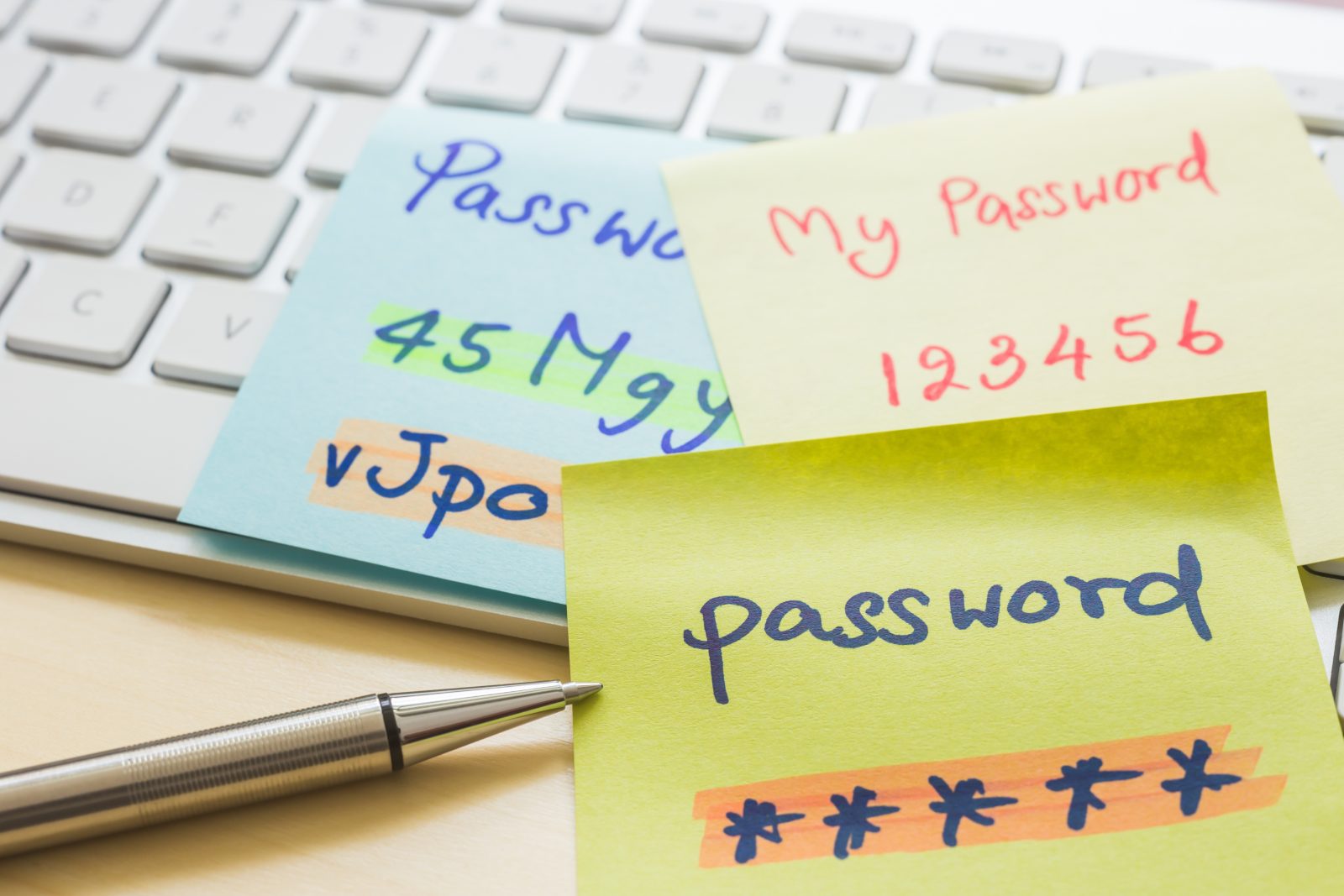
These incidents are a good reminder: weak or reused passwords remain one of the easiest ways for attackers to gain access to your private data. Whether you’re protecting personal email or sensitive business information, strong password security is no longer a nice-to-have—it’s non-negotiable.
We’ve said it before, and we’ll say it again. The need for data privacy and the ability to communicate freely has never been more critical. Both individuals and businesses rely on secure online communication to safeguard sensitive information, especially as surveillance technologies continue to monitor and exploit digital interactions. At Runbox, we believe that privacy is more than just a feature; it is the core value that guides our service and our operations. Located in Norway, we are deeply committed to user privacy, which is supported by the country’s strong legal framework. Here, we explore why our location is vital for your privacy protection and how it aligns with the General Data Protection Regulation (GDPR).
January is often a time when we reassess and reorganize. After the holiday rush and the chaos of the previous year, the start of a new year feels like the perfect moment to take a step back and refocus. For many of us, this often means decluttering our physical spaces—cleaning out closets, sorting through old items, and clearing off countertops. But what about our digital lives?
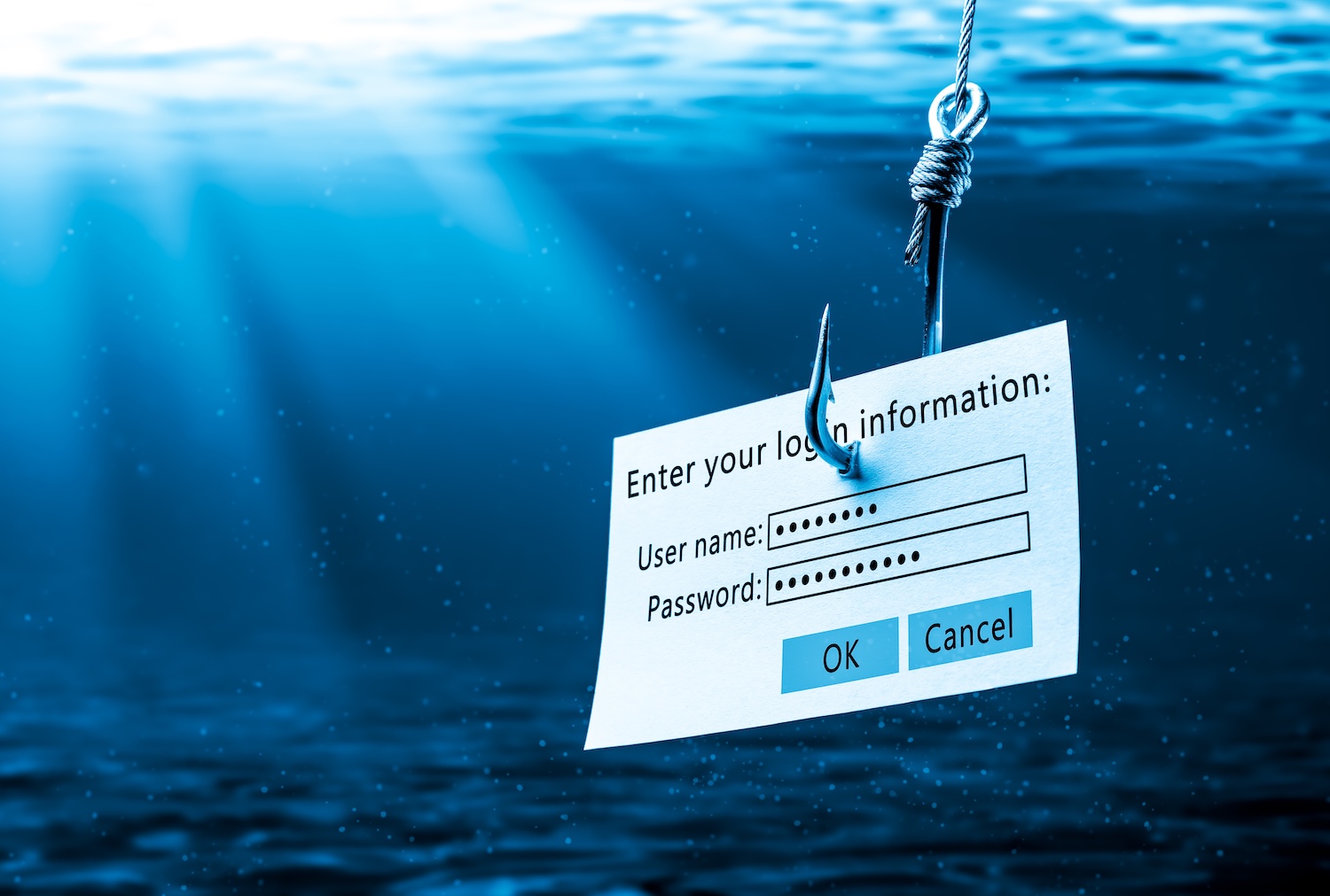
In today’s digital world, email phishing scams are one of the most common and dangerous threats to individuals and businesses. These deceptive emails attempt to trick recipients into revealing personal information, clicking on malicious links, or downloading harmful attachments. Phishing attacks can lead to identity theft, financial loss, and even security breaches for organizations. For Runbox users, these scams can specifically target your email account and compromise your sensitive data. But by staying vigilant and following a few key practices, you can protect yourself from these scams.
Malware poses a significant threat to our personal information and security. From ransomware to keyloggers, malicious software programs can infiltrate our devices and compromise our most sensitive data, including contact lists. In this post, we’ll explore how malware works, the risks it presents, and the potential consequences of a breach.
Spam these days is no joke. Keeping our inboxes tidy can feel like a full-time job, and just when you think you’ve got it under control, an unexpected twist occurs: legitimate emails end up in your Junk folder. Yes, we’re talking about the moment when you realize important messages are hiding away in spam purgatory, thanks to email clients like Apple Mail, Outlook and Thunderbird.
Last week we wrote about a dual spam filter approach using email clients and how to set this up. We also talk about how spam has increased dramatically lately, and the reasons why. Here we look at how legitimate emails can end up in the Junk folder
The Frustration of Missing Emails
We’ve all been there. You’re expecting an important email, maybe a project update or a message from a friend, and it never arrives. You check your inbox—nothing. You start to wonder if they even sent it. Then, on a whim, you dive into your Junk folder, and there they are. Emails you thought were lost, marked as spam by your email client.
But it gets even more frustrating. Sometimes you have already filtered these emails specifically. You added them on your allowlist (what we used to call whitelist) in your Runbox Webmail, meaning you’ve already done the work to ensure they reach your inbox. So, why does your email client override your careful training and send them to Junk anyway?
Many of us continue to face a frustrating challenge: an overwhelming influx of spam emails. This is when spam is more than just a nuisance – it becomes a real problem. Why are some inboxes inundated with spam? We look at why it’s happening and what you can do about it.
Email aliases are great – they help organize emails, reduce spam and protect our identity. But sometimes we need a quick way to create an alias without having to log in to our account to set it up. That’s when we can use plus-addressing, or subaddressing.
You simply add a + to your email address followed by a tag.
Any email sent to a plus-address is delivered to your account as usual. The message is still addressed to the plus-address, and you can use this in various ways to manage your email.
Plus-addressing benefits
Make up addresses on the fly without having to set anything up in your Runbox account.
Works with any email address, alias or domain.
Use a plus-address to identify sites where you used your email address.
Plus-addresses can help hide your main email address.
Use a different tag for each site so that if one has a data leak you know which one it is.
Filter email to specific folders based on the plus-addressing.
Create a filter to delete email to that particular plus address if it starts receiving spam.
Plus-addressing and email aliases are great tools to manage your email. With a Runbox account you get unlimited plus-addressing and 100 email aliases. If you have your own domain name, you get unlimited aliases. Check out this post for more info about aliases.
You can get more details about plus-addressing here.
To learn about how to create email aliases, check out this blog post.
Do you use email aliases? Aliases are a great tool that can help protect your identity, reduce spam, and organize your inbox.
Aliases are alternative email addresses that you can use to separate emails. Instead of using the same address for everything, you set up different aliases for online subscriptions, registrations, newsletters, social media, business contacts and so on. Any category that works for you. You can use your main address for friends and family, or create another alias.
All your aliases are set up under your main email account, and is delivered to your primary inbox. You can even set up filters so that mail is separated into specific folders in your account.
Not only will aliases give you another layer of anonymity, it also gives you control over your information and makes online tracking more difficult. Having aliases can help prevent someone hacking your main email account, and helps protect you from phishing attacks. If one of your aliases starts to receive lots of spam, you can easily delete the alias and set up a new one.