Skip to content
runbox negative white
Runbox Blog
Fast, Secure and Privacy Protected Email hosted in Norway
  • Blog
  • Help
  • Forum
  • runbox.com

Posts

Runbox Mobile App (PWA)

May 27, 2025 Andersen
Print 🖨 PDF 📄

The Runbox app is a Progressive Web App (PWA)—a modern approach to webmail that brings you a fast, app-like experience directly through your phone or tablet. Built using open web technologies, the Runbox PWA delivers the convenience of a mobile app without needing to visit an app store.
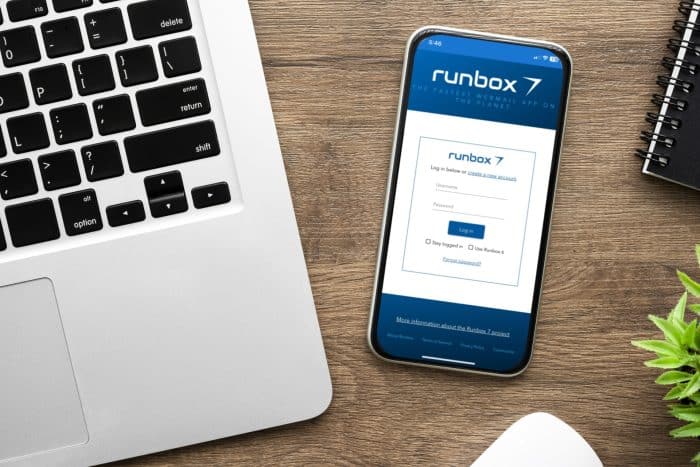
Mobile phone with Runbox progressive mobile app login screen on a desk

Why Use the PWA?

  • No app store needed
  • Fast and responsive interface
  • Always up-to-date with the latest Runbox features
  • Secure and built on open web standards

Easy Access on Any Device

On iOS (Apple Devices):

To use Runbox like a native app on your iPhone or iPad, simply:

  1. Open Safari (or another supported browser) and go to the Runbox 7 Webmail.
  2. Log in with your username and password.
  3. Tap the Share icon in the bottom menu. ios share
  4. Scroll down and select “Add to Home Screen.”
  5. Click Add.
  6. The app will now appear on your home screen like a regular app.

On Android:

To install Runbox on your Android phone or tablet:

  1. Open Chrome (or another supported browser) and go to the Runbox 7 Webmail.
  2. Log in with your username and password.
  3. Tap the menu (three dots ⫶ ).
  4. Tap the “Add to Home screen”.
  5. The app will now appear on your home screen like a regular app.

* On Android, you should get a prompt to download the app as soon as you go to www.runbox.com/app in the browser.

You’ll now have a Runbox icon on your mobile phone, just like any other app.

runbox blue app  icon

You can use any mobile browser to access and install the Runbox Progressive Web App (PWA) directly on your phone—no App Store required—making it ideal for privacy-focused devices like Fairphone, /e/OS, or phones running LineageOS or GrapheneOS.

On Fairphone, PinePhone, and Xperia:

Open the browser of your choice

  1. Open a browser and go to the Runbox 7 Webmail.
  2. Log in with your username and password.
  3. Tap the Share icon in the menu bar.
  4. Tap “Add to Home screen” option in the browser’s menu
  5. The app will now appear on your home screen like a regular app.

To access Runbox mail, simply tap the icon, and log in with your credentials.
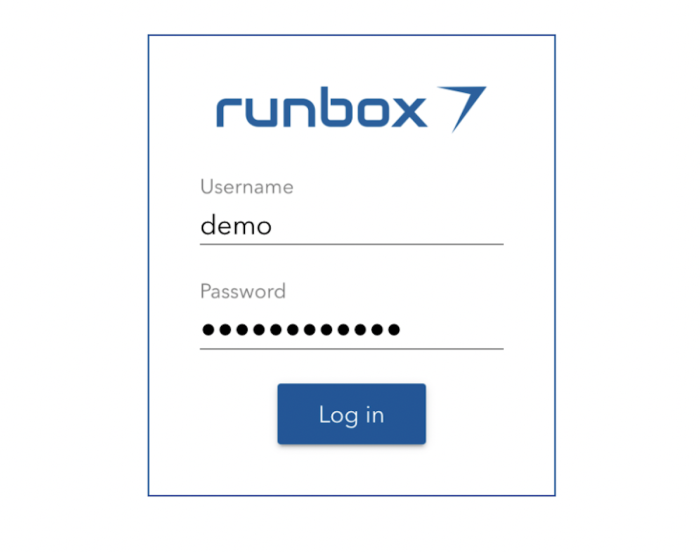
Runbox mobile app login screen

The Runbox progressive mobile app gives you the freedom of email on the go—with the privacy and performance you expect. Always up-to-date with the latest Runbox features, secure and built on open web standards.

Share:
Posted in: Tips & tricks Filed under: app, data protection, digital sustainability, eco friendly, eco-friendly email, email, ethical email, ethical tech, european alternatives, GDPR, green email, green technology, independent email, mobile, Norwegian email provider, privacy, privacy-first email, private email, pwa, Runbox, Runbox 7, runbox email, secure email, security, sustainability, sustainable tech

Post navigation

← Outlook stores email in Microsoft Cloud – what you need to know
Recent Runbox 7 Updates →

Categories

  • About Runbox
  • Commentary
  • Environment
  • News
  • Privacy
  • Product Updates
  • Security
  • Tips & tricks

Recent Articles

  • Earth Day 2026: Our power, our planet – how your inbox can make a difference
  • Runbox vs. the CLOUD Act: Your data stays safe in Norway
  • Runbox: Redefining Ethics in Tech as an Ethical Consumer Best Buy
  • Post-Event Analysis of Email Service Incident March 4th, 2026
  • Why We Require a Norwegian Court Order to Disclose User Data
  • Democracy: Why Our Shared Values Matter More Than Ever
  • Are AI tools such as Gmail’s Gemini accessing your emails? What you need to know
  • Reflecting on 2025: Thank You for Being Part of Runbox
  • We are celebrating 25 years with new 3-year sub-account plans!
  • Runbox at 25: Celebrating a Quarter-Century of Sustainability, Privacy and Independence
  • Our Commitment to the Oslo Fjord and a Sustainable Future
  • Meet Runbox: Your Secure, Sustainable Email Alternative
  • The AI Boom: Innovation, Investment, and the Risk of a Bubble
  • Avoid Phishing Scams: What Every Runbox User Should Know
  • Email the Ethical & Sustainable Way
  • Strong Passwords Matter More Than Ever
  • Hosting, hosting and more hosting!
  • Recent Runbox 7 Updates
  • Runbox Mobile App (PWA)
  • Outlook stores email in Microsoft Cloud – what you need to know
  • Big tech alternatives
  • Choose Your Perfect Email Domain Name with Runbox
  • From Gadgets to Garbage: The Global E-Waste Crisis
  • How to Stay Safe and Private Online
  • EU’s AI Act versus GDPR – are there overlaps and contradictions?
  • Decentralized Email for Maximum Privacy and Security
  • The State of the Internet – Misinformation and the Role of Fact Checking
  • The Power of Big Tech
  • The Runbox Difference: Real People, Real Support
  • Your Data, Your Rights: A Guide to GDPR

Archives

  • About Runbox
  • Terms of Service
  • Privacy Policy
  • Support
  • Help & Documentation
Copyright © Runbox Blog — Primer Runbox WordPress theme by GTA